Module 3 Formstorming

Weekly Activity Template

Lauren Clark


Project 3


Module 3

In this module I was given the opportunity to further explore working with p5.js code. I had the chance to further hone the practices in previous modules to have a more refined finished product. It was a perfect combination of the circuitry used in the first project, with the code developed in the second.

Activity 1

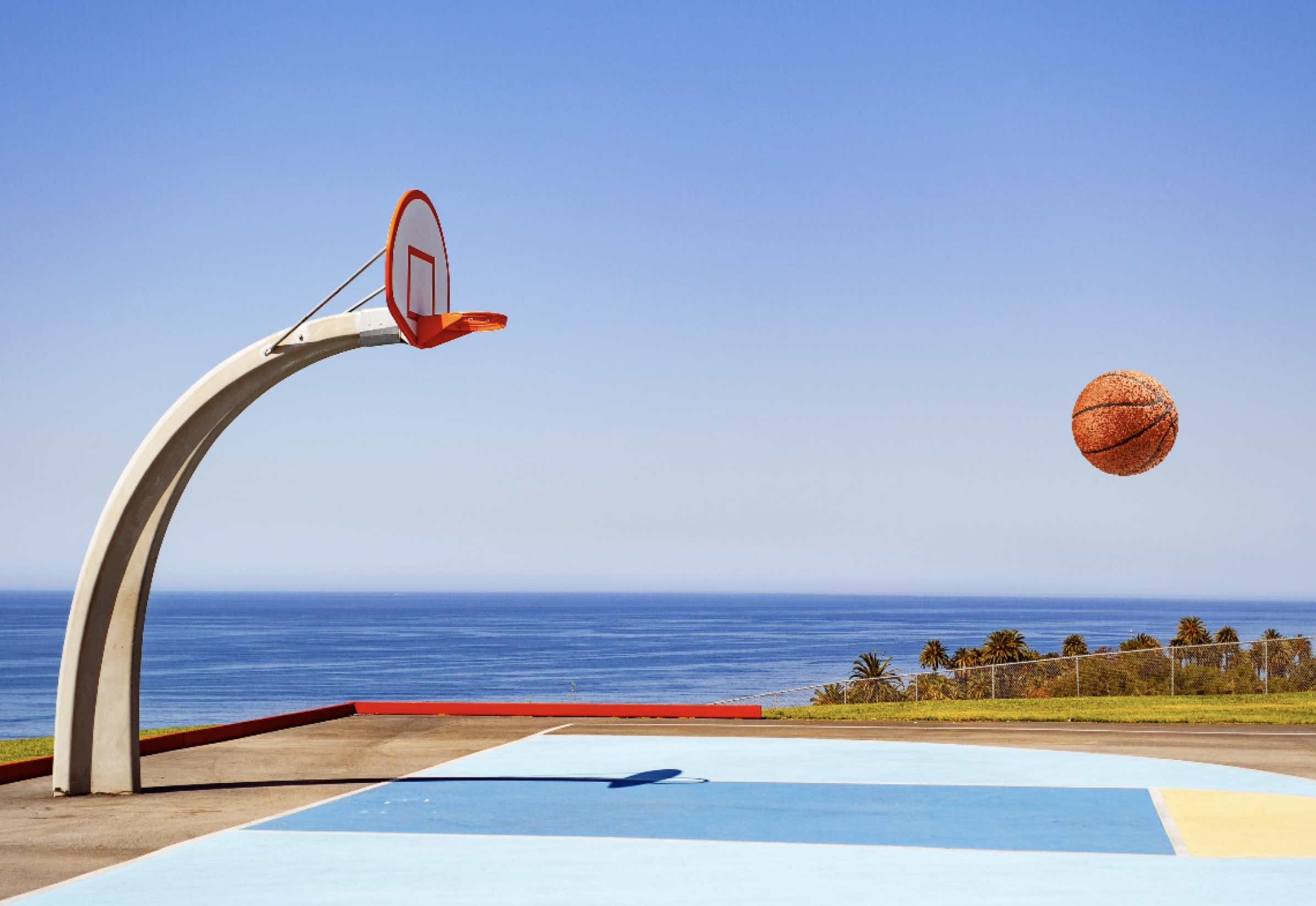
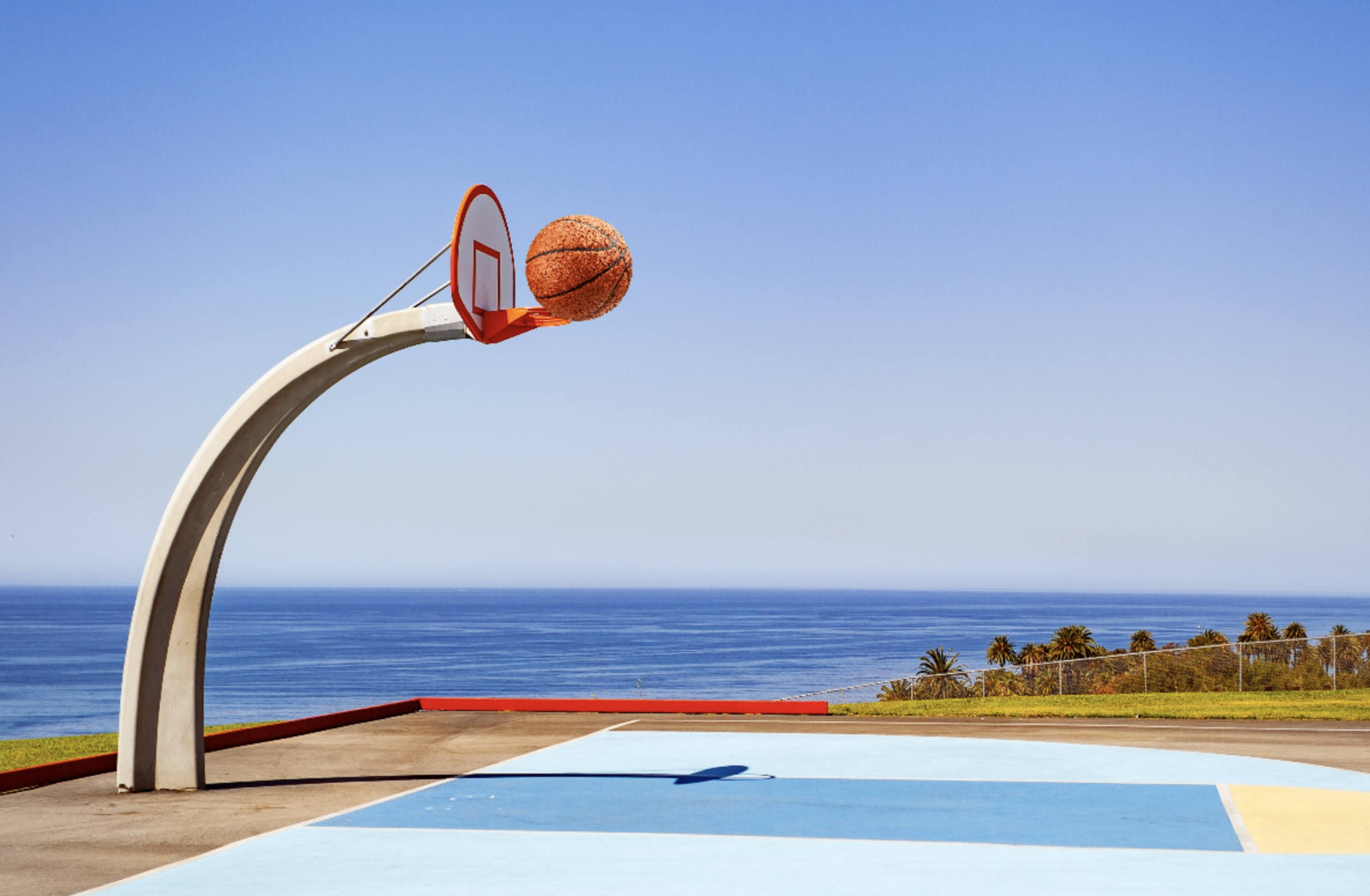
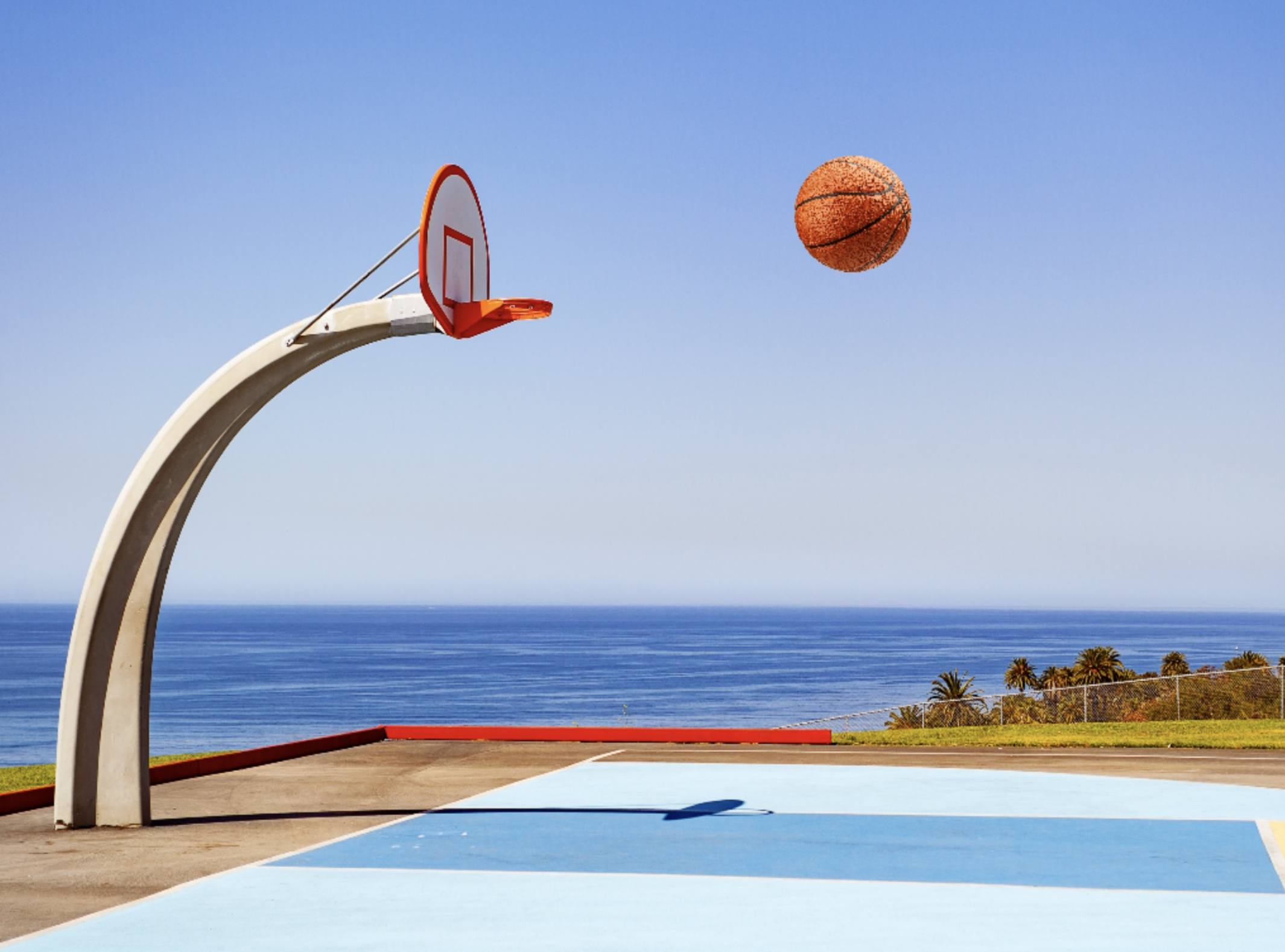
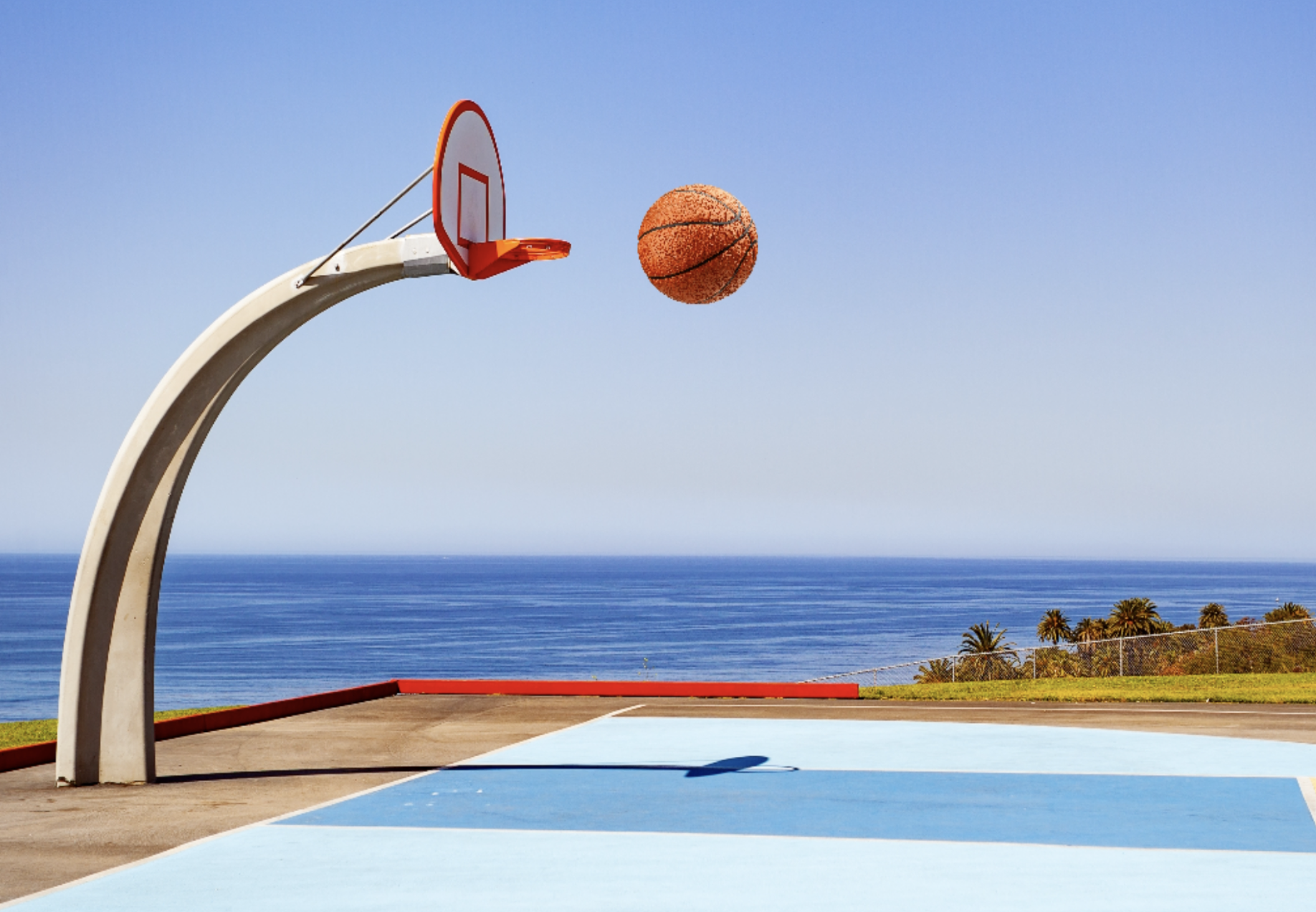
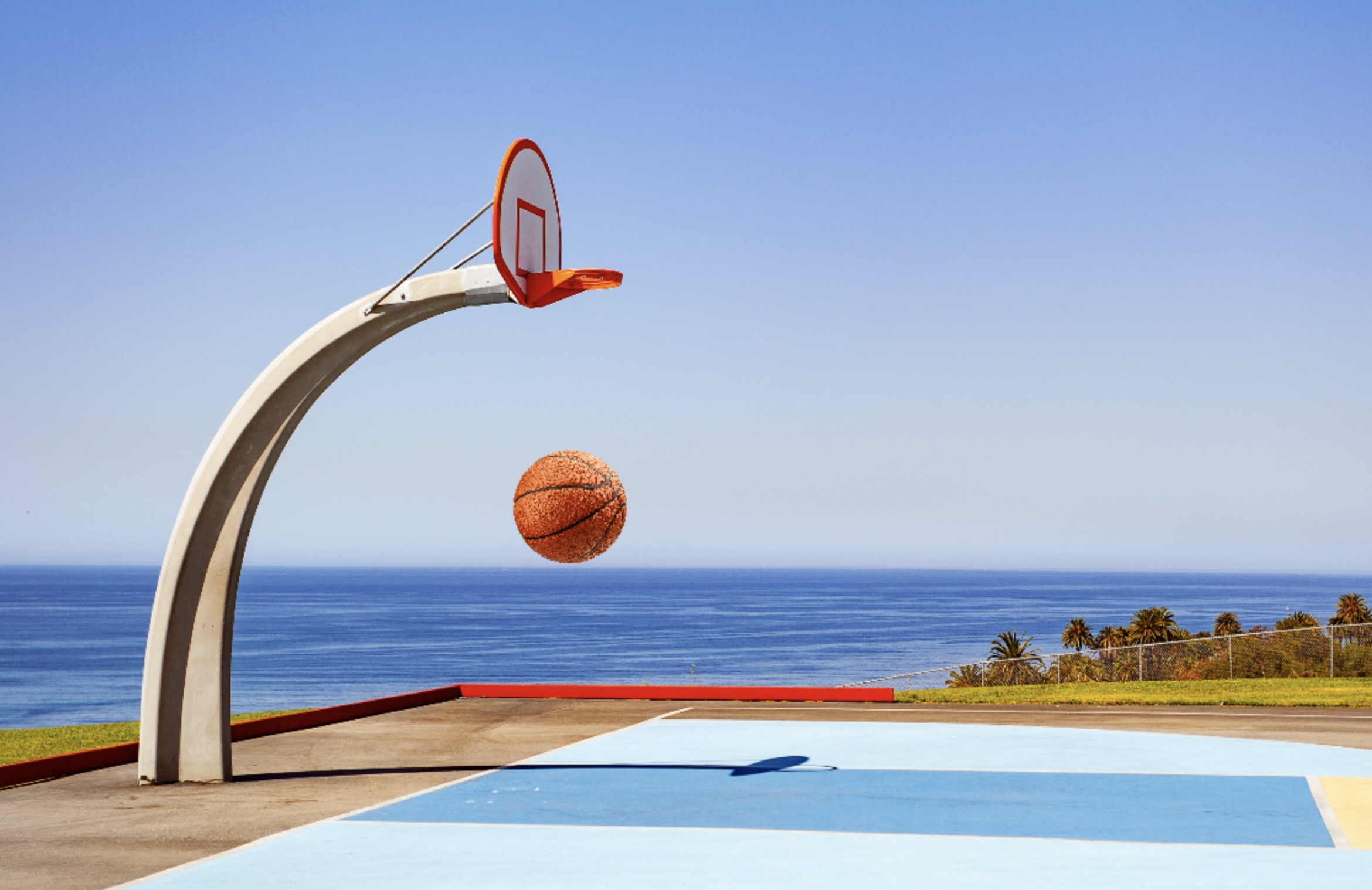
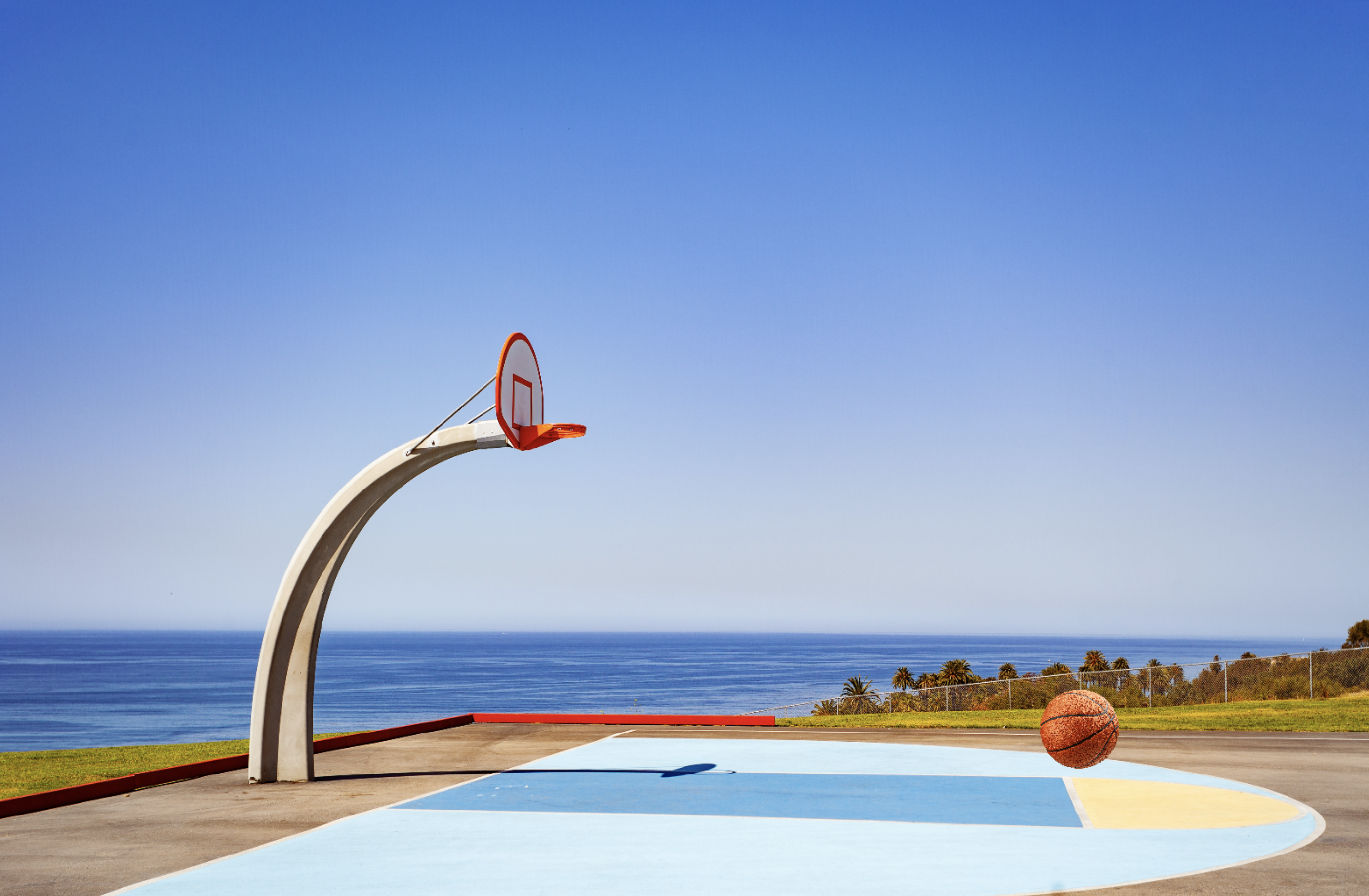
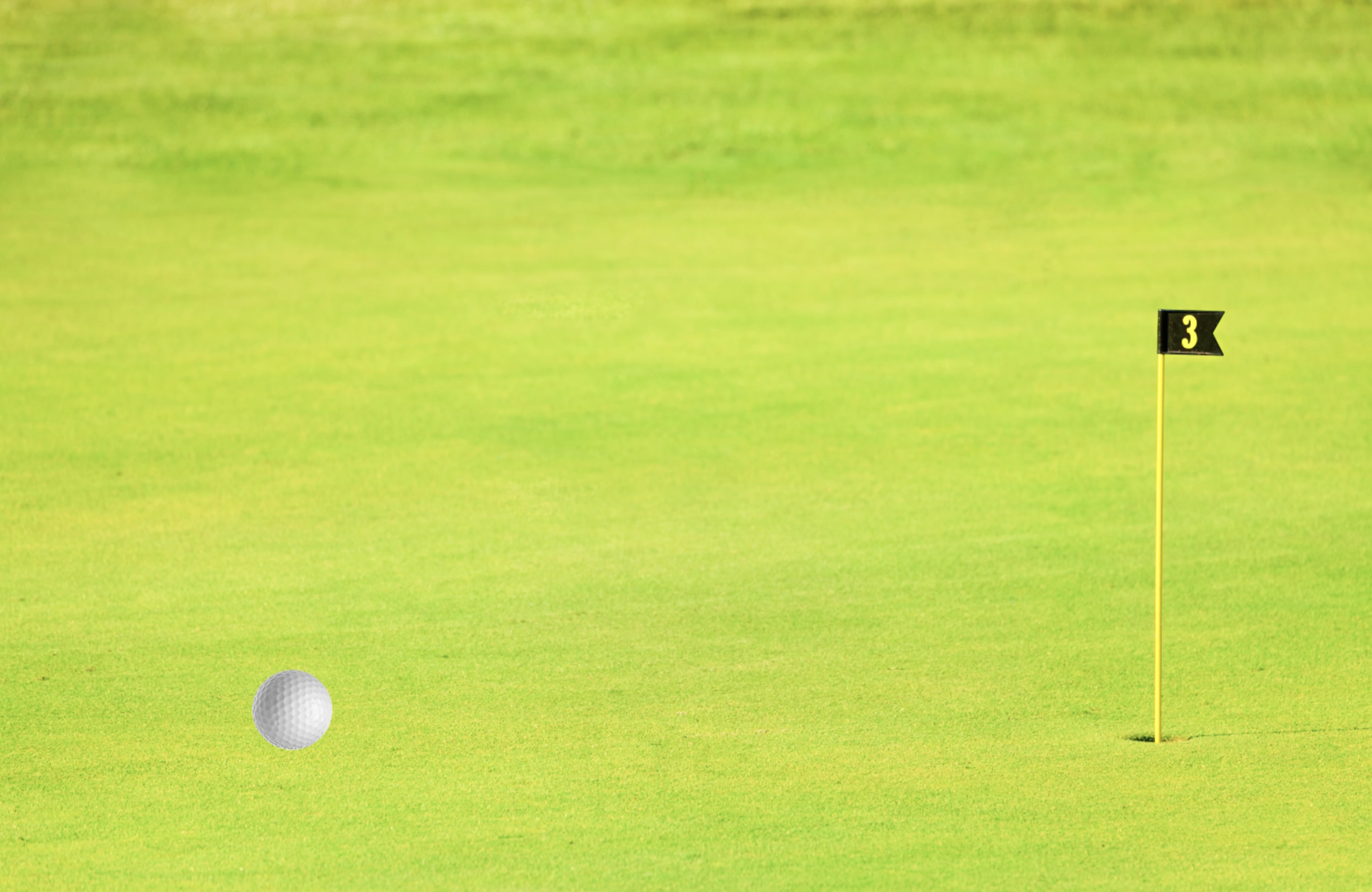
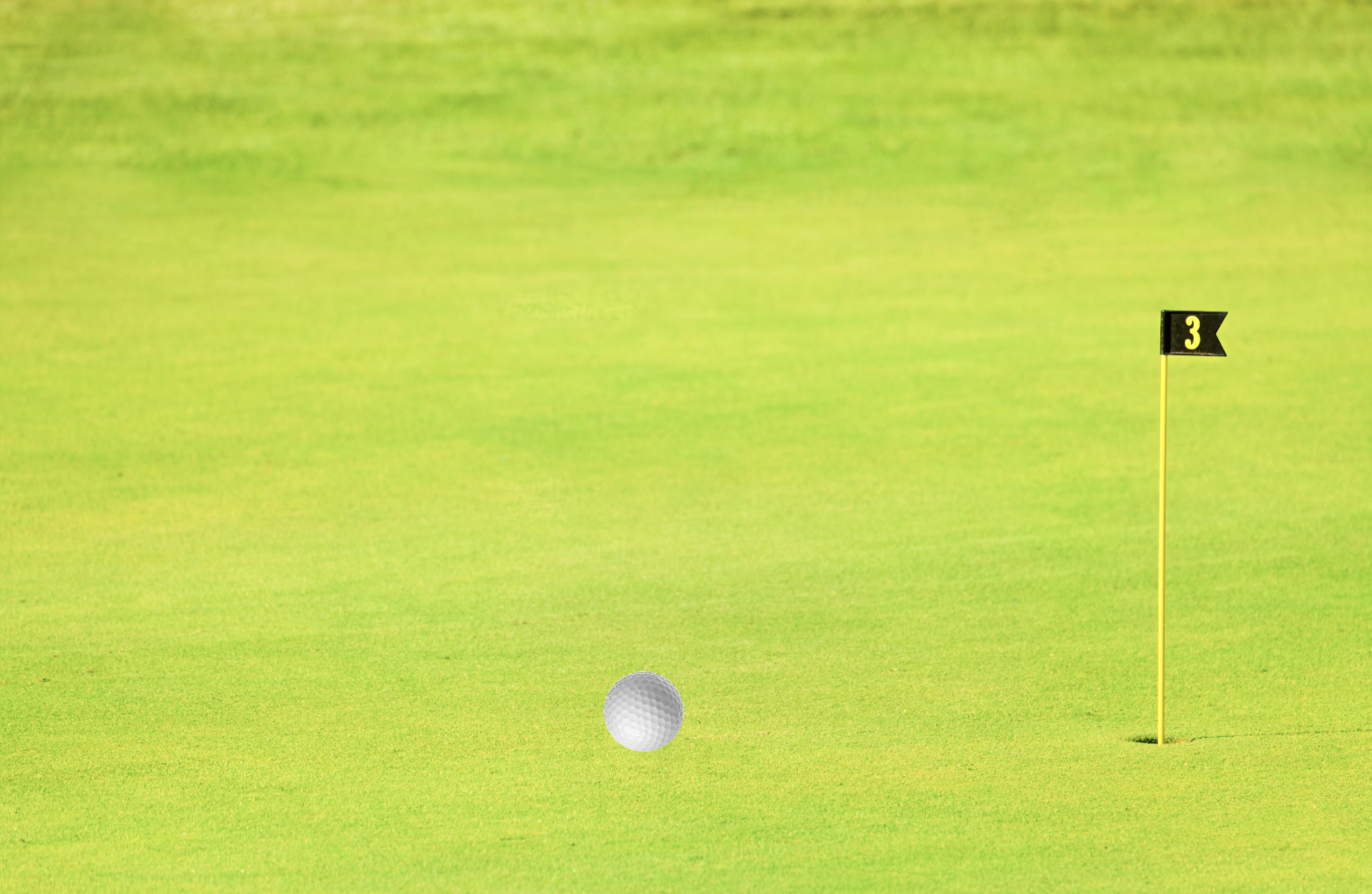
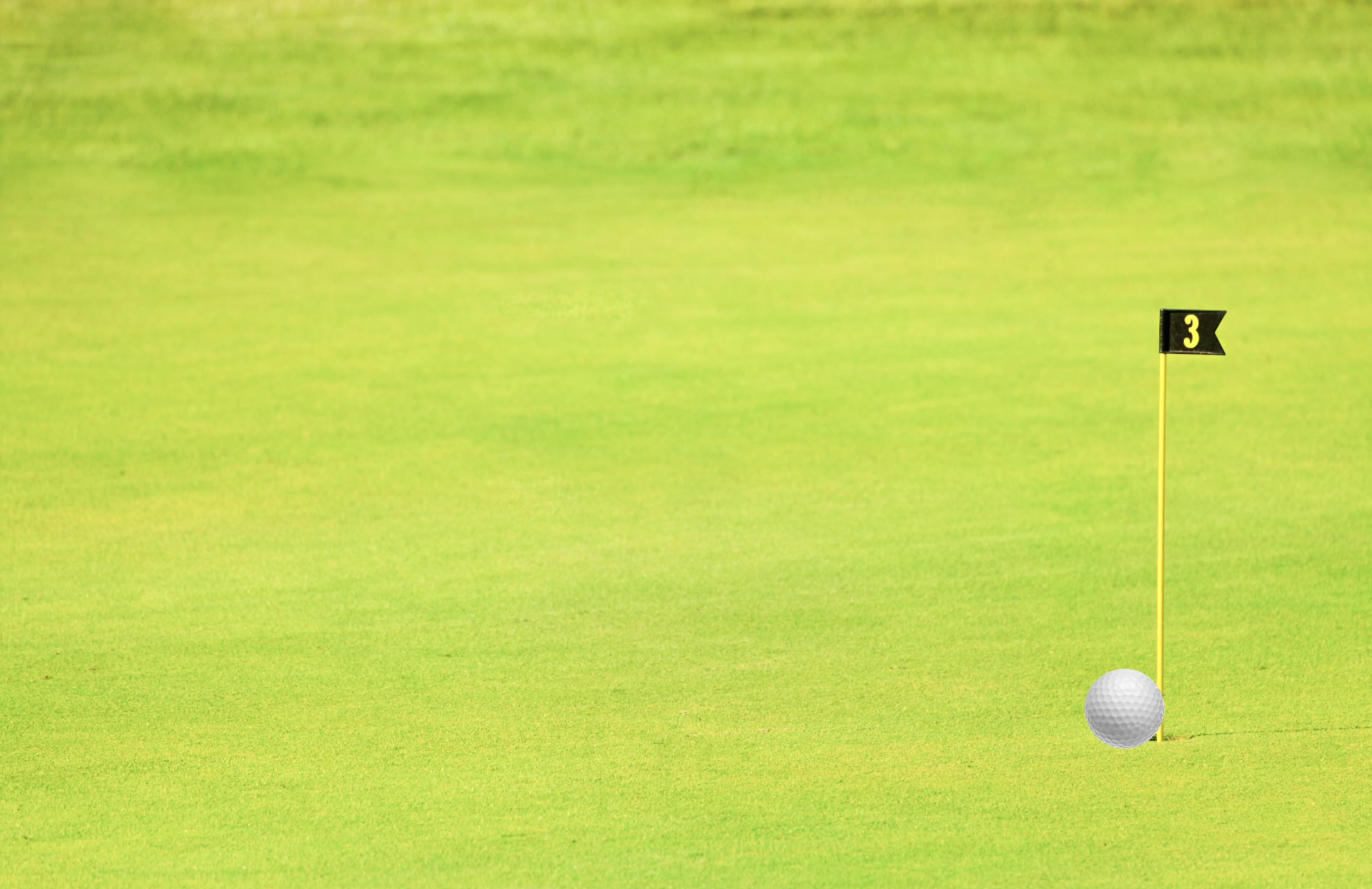
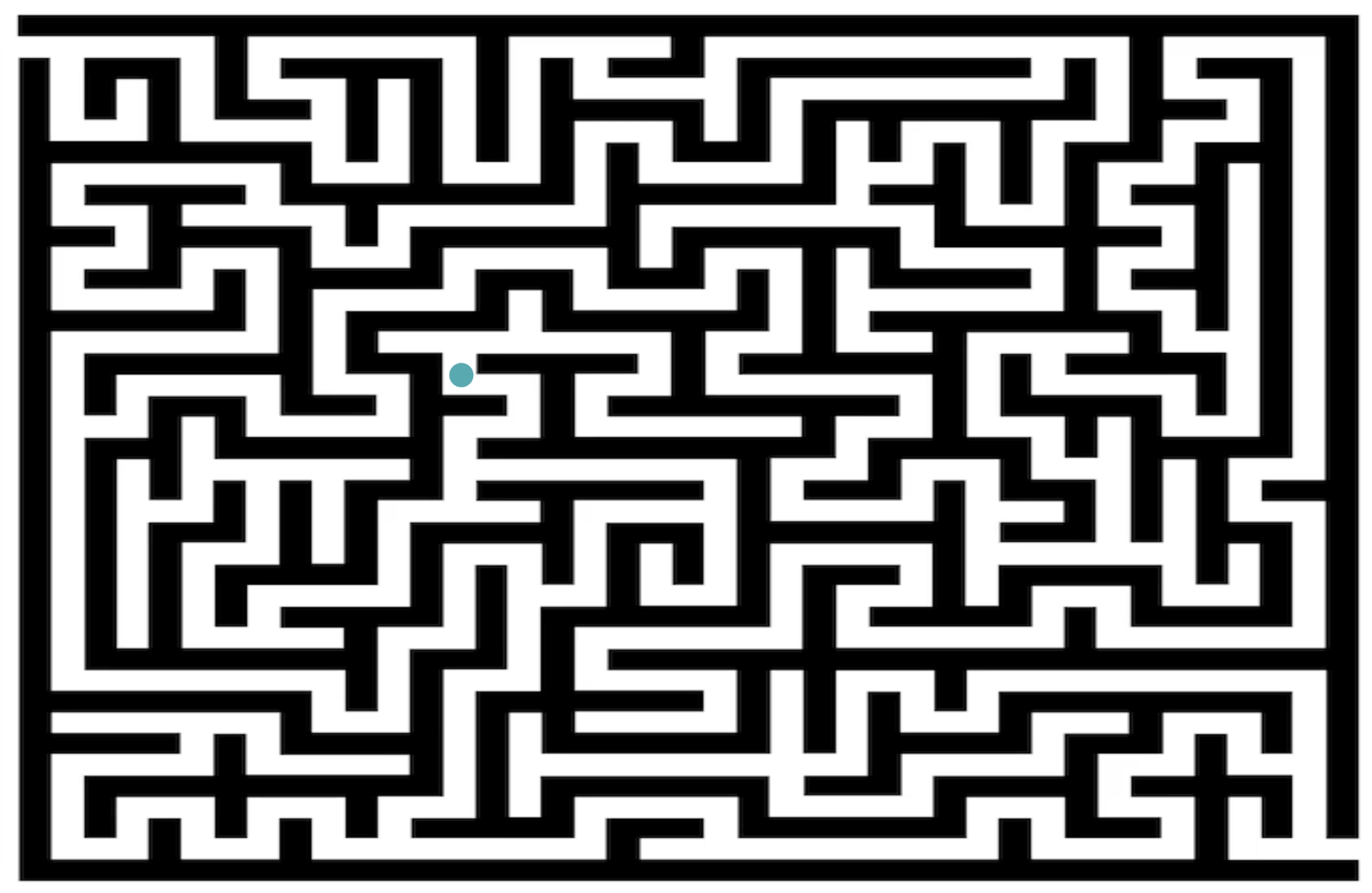
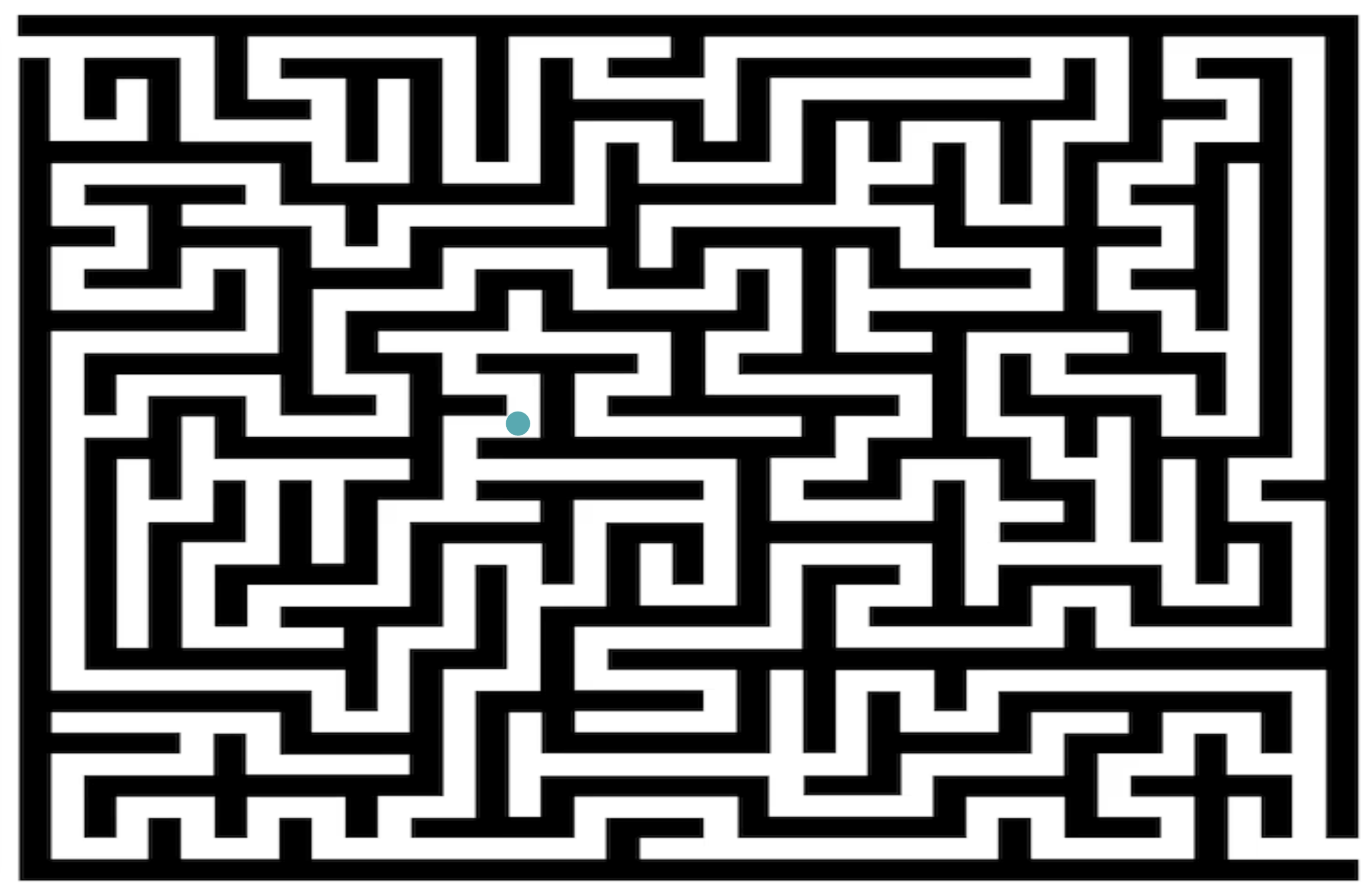
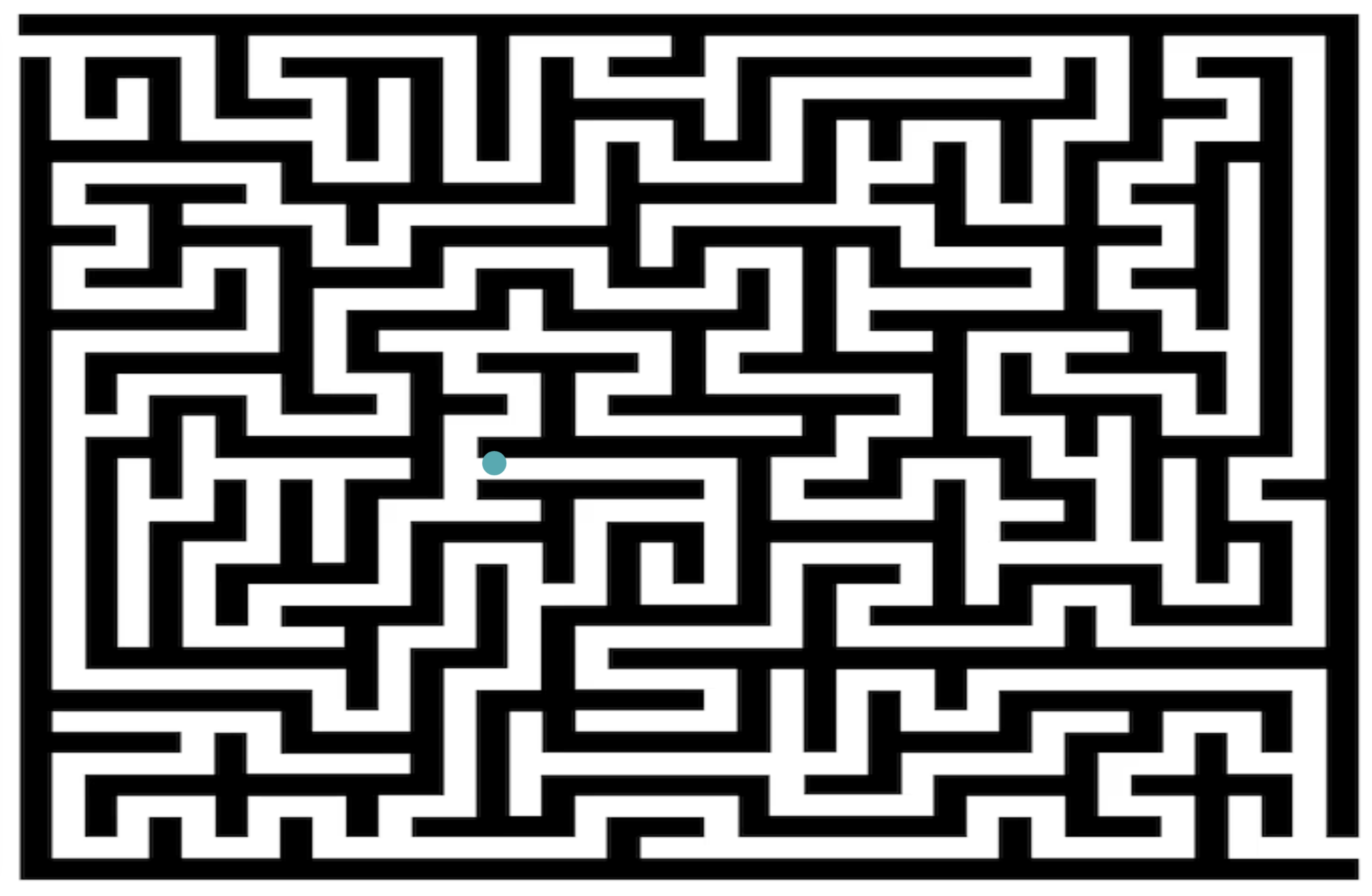
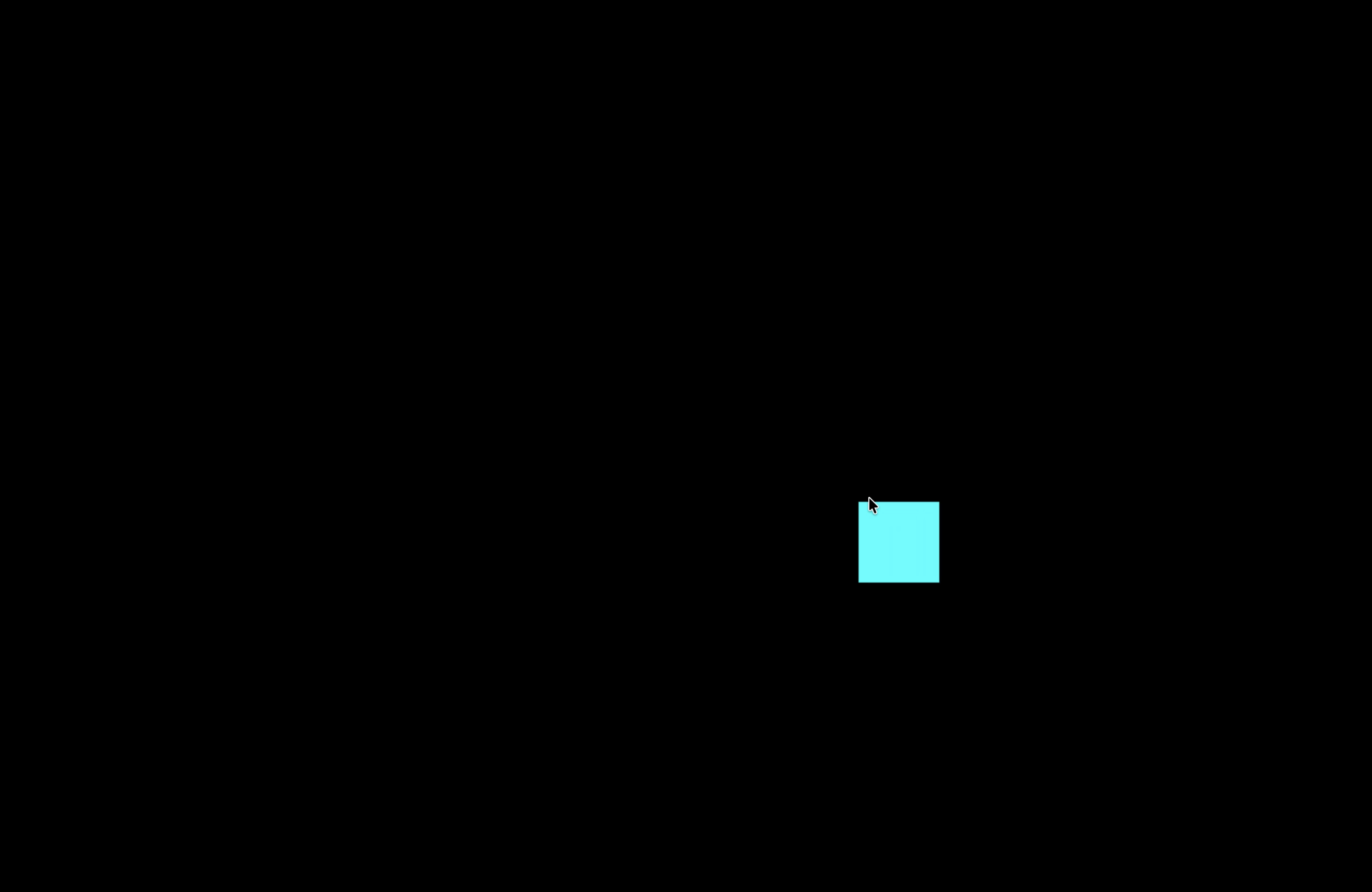
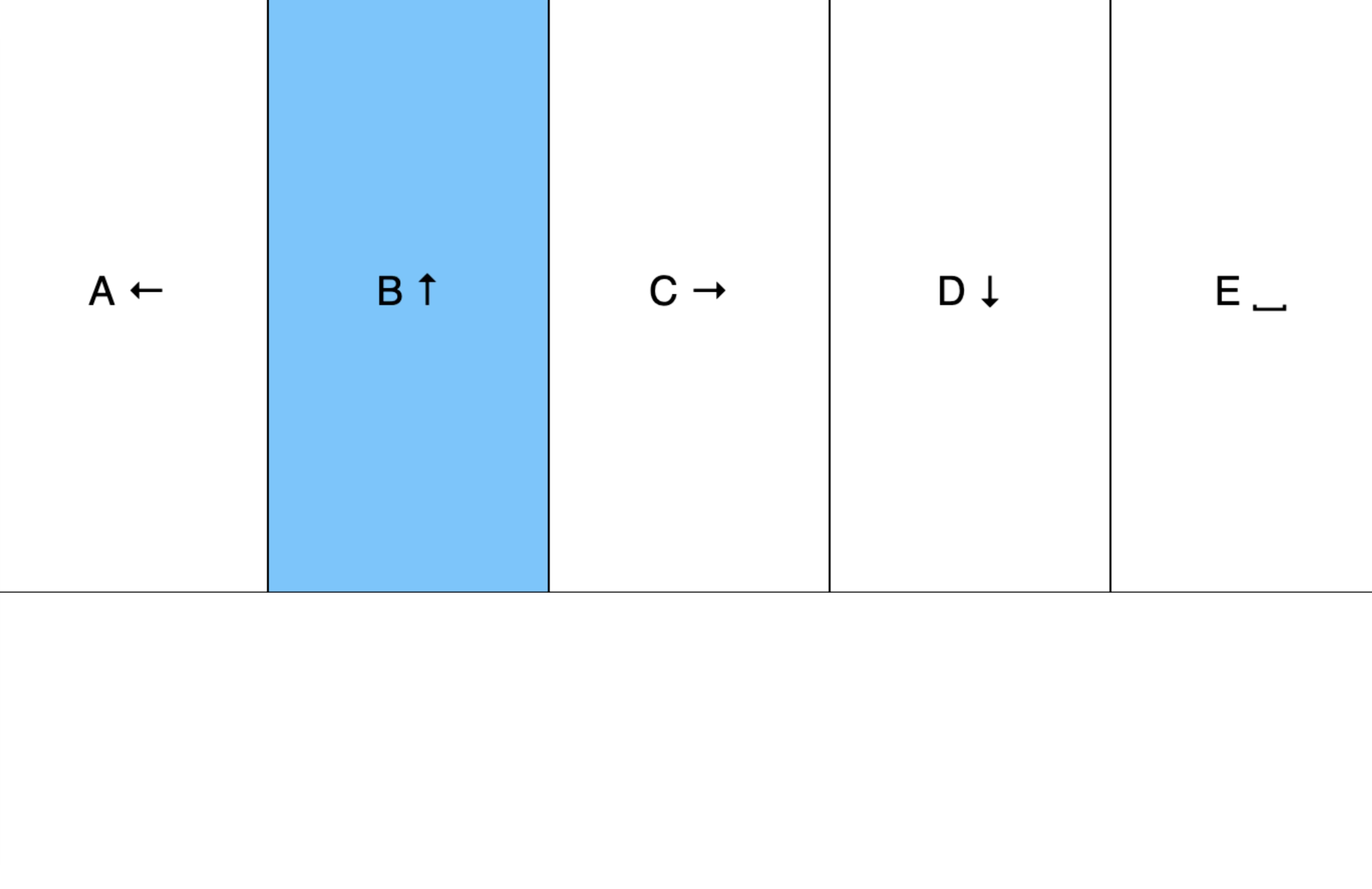
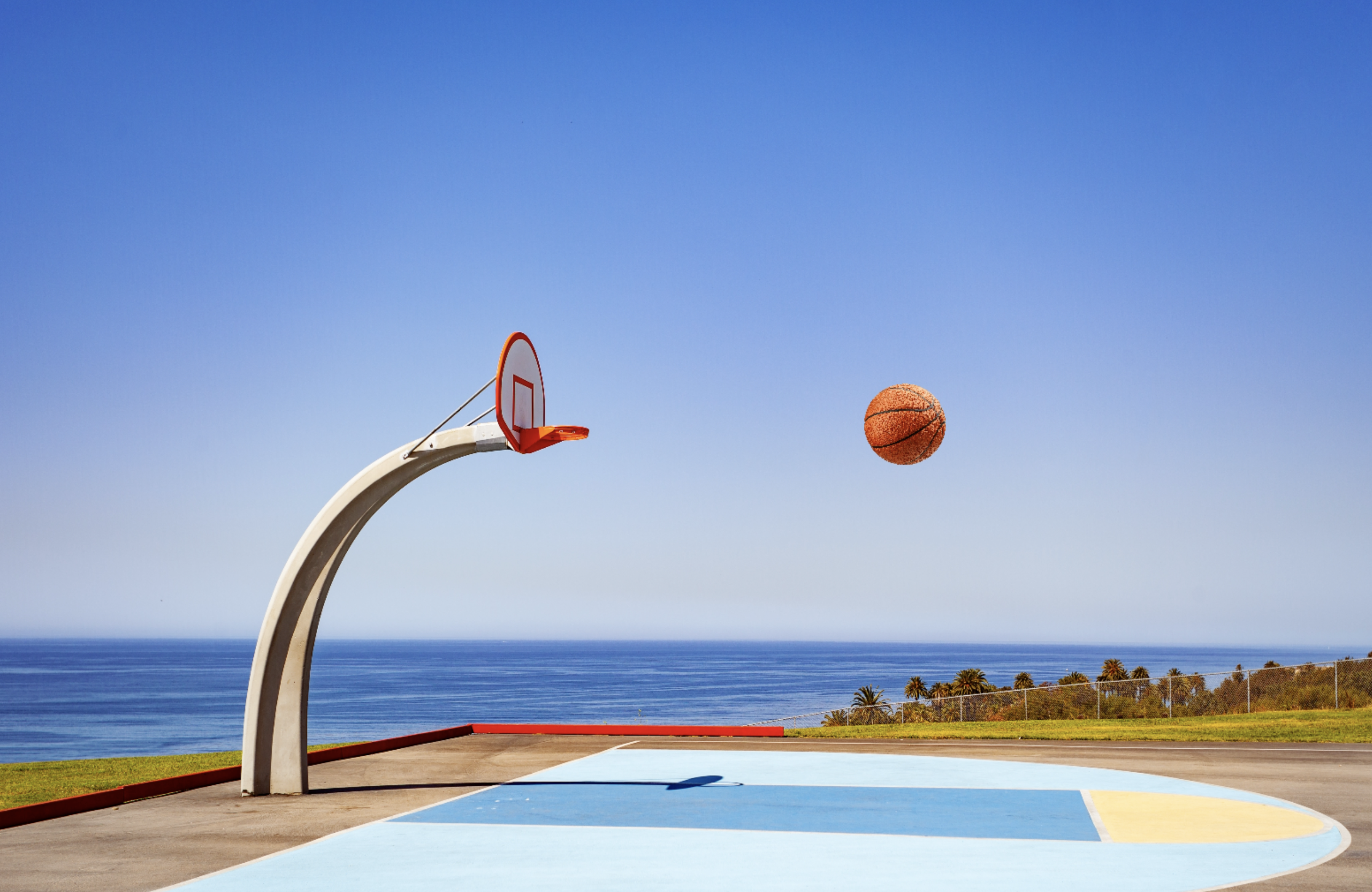
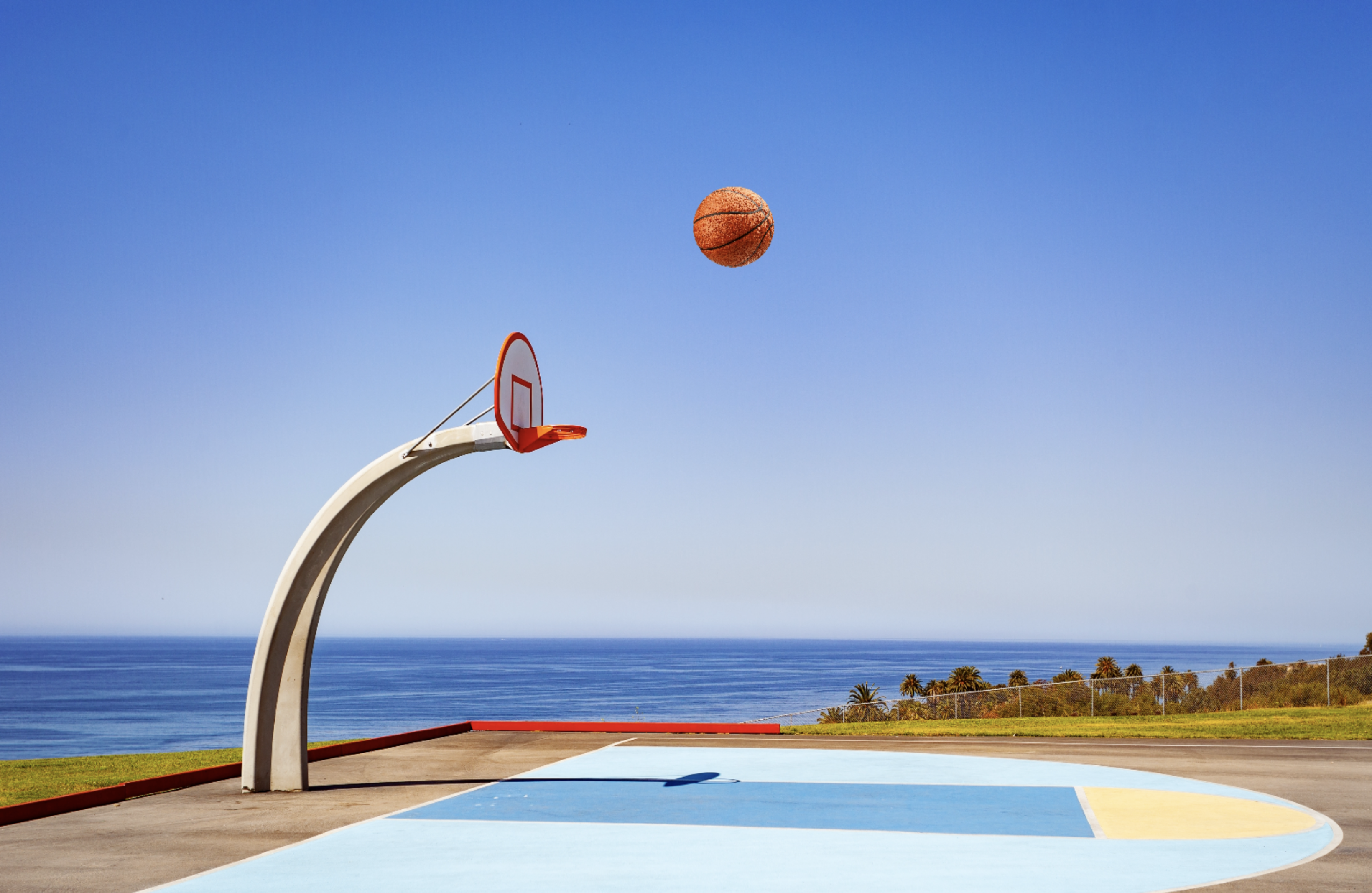
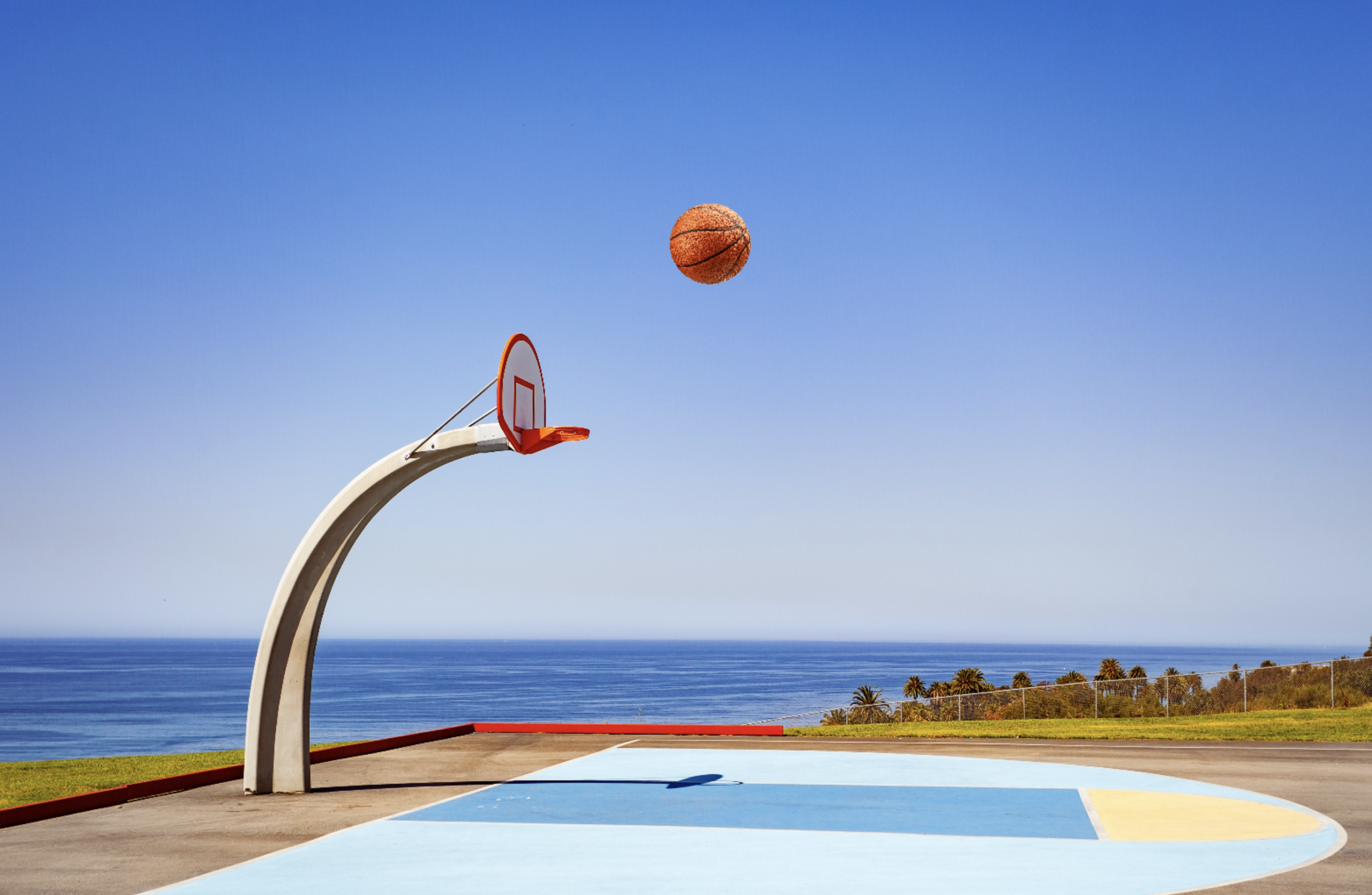
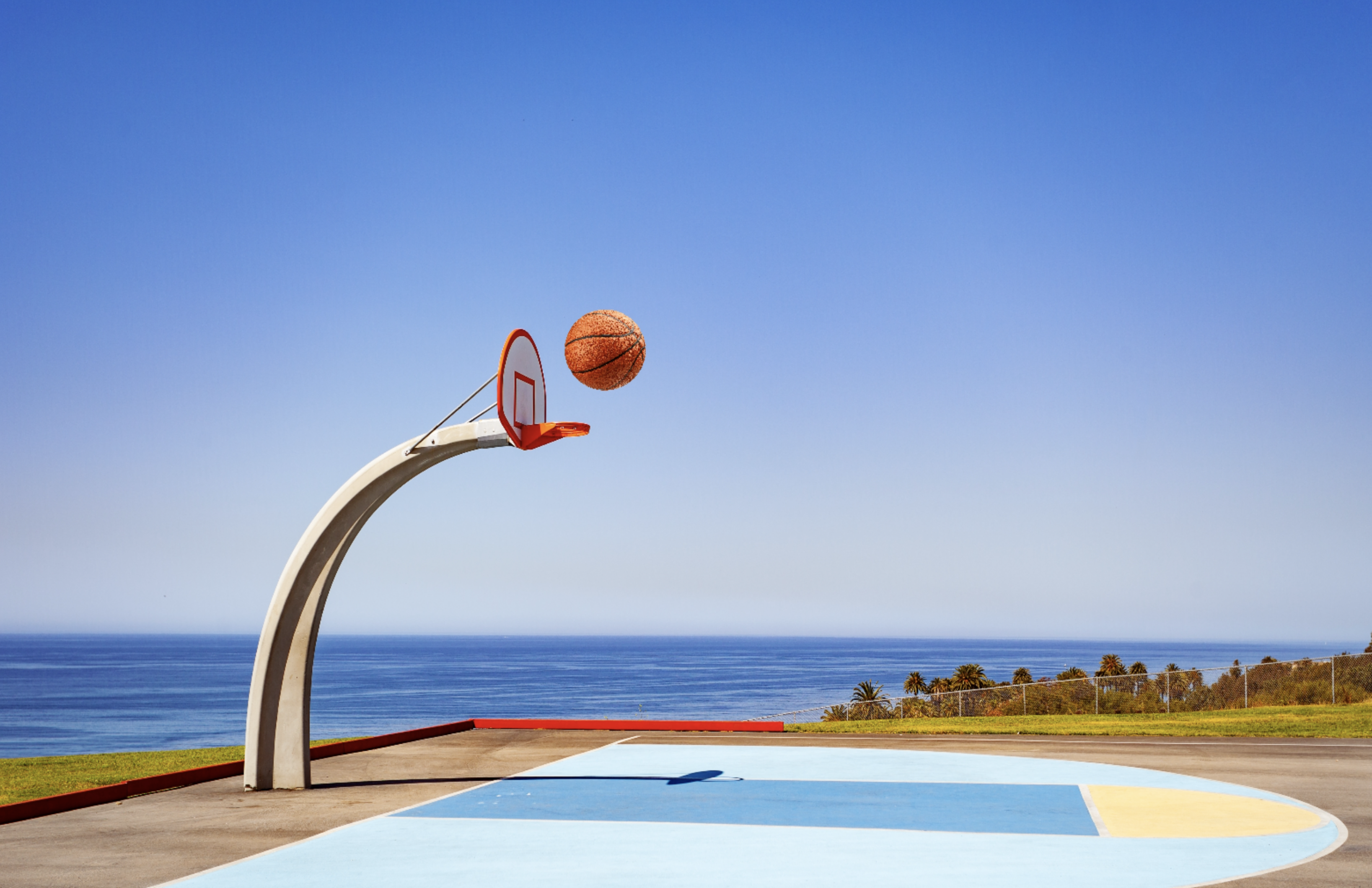
I began by opening up the file from the tutorial and getting acquainted with the layout. Ensuring that even though it may seem basic, I take a minute to move the ball around to brainstorm any ideas for what my final project could be. This is the start of working with what would become the final project, the basketball court. The image features the ball being moved closer to the hoop. This images showcases the range of motion from the gravity impacted ball. I continue to work on shots to ensure gravity is working as expected on the ball. The ball is being continously shot to ensure that the gravity is at the best of it's ability. Finally settling on gravity and placing it in a spot similar to where a shot would be taken. Continuing on with a similar idea, but now focusing on the rotation of the ball. The ball rotates towards the flag marked hole in a put. The ball reaches the hole, I start to consider that if I want to continue with this idea, I should have an end goal/representation. Placing the ball in a maze and further exploring and pushing the creative limits of how to represent this movement. The ball moves through the maze. The ball continues on through the maze, keeping the original controls of the ball but smaller. Placing a black background on one of the original sketches. Exploring with colour on the background. Exploring with the box movement. Adding in mouse movement to see how it differs from the five controls. I noted the fluidity and preferred that motion overall, as it was more visually pleasing. Exploring with a 5 point piano corresponding to 'A' 'B' 'C' 'D' and 'E' notes.>
   
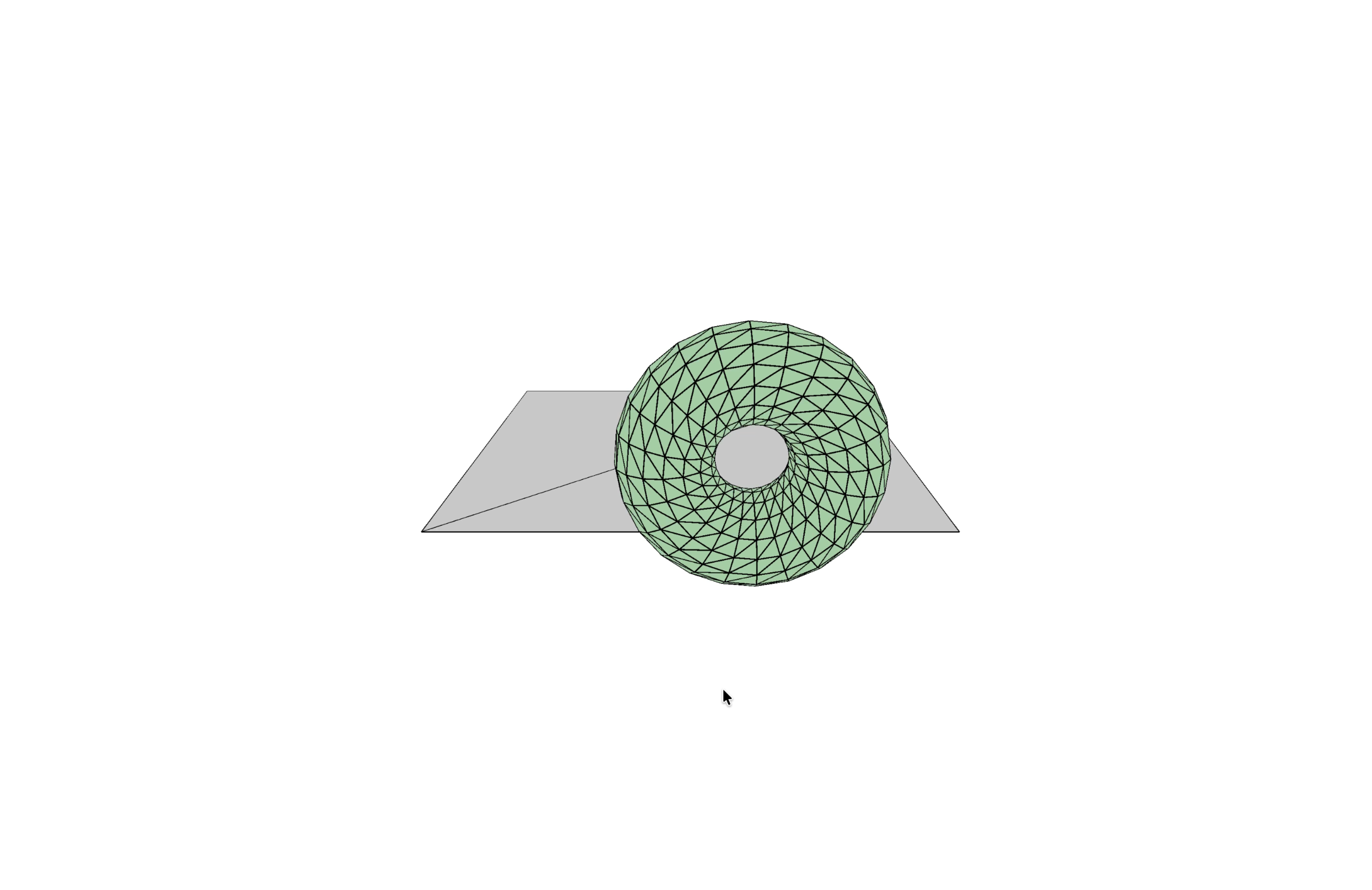
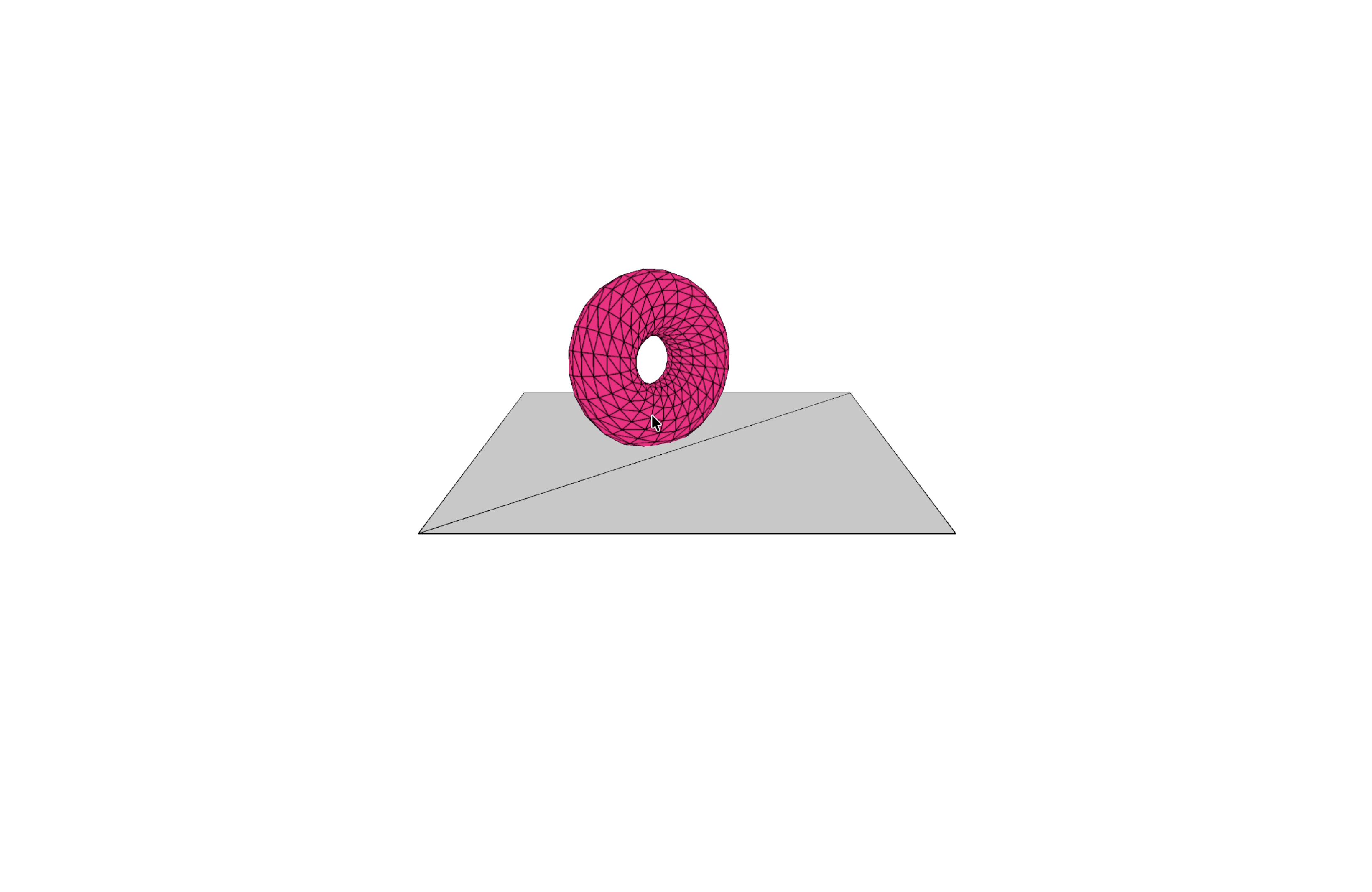
      <img src= Using mouse tracking on one of the sketches but now with arrow keys shifting the hue and saturation. Changing the hue of the colour. Changing the saturation of the colour. Utilizing mouse movements again just for the purpose of exploring.

Activity 2

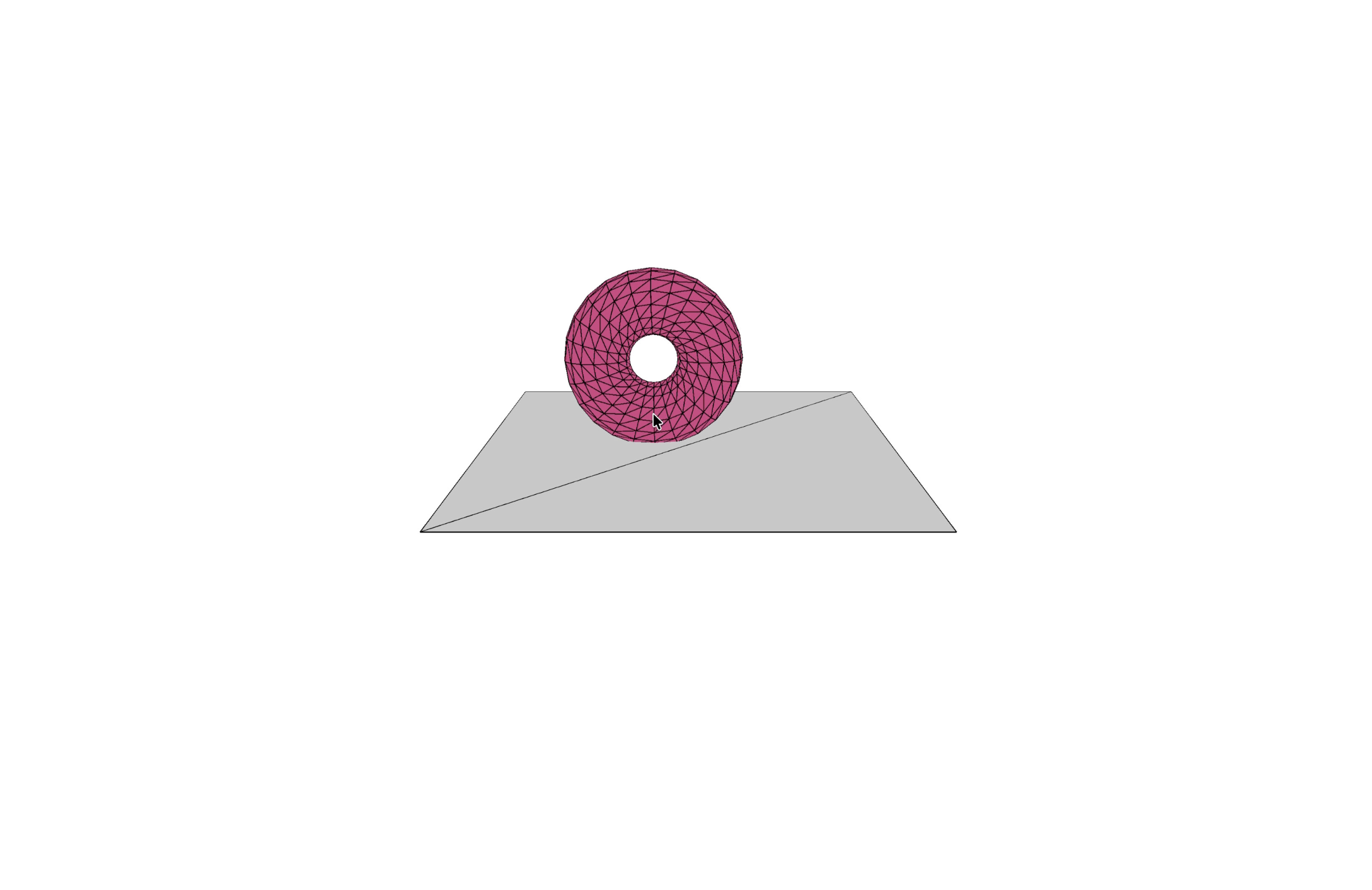
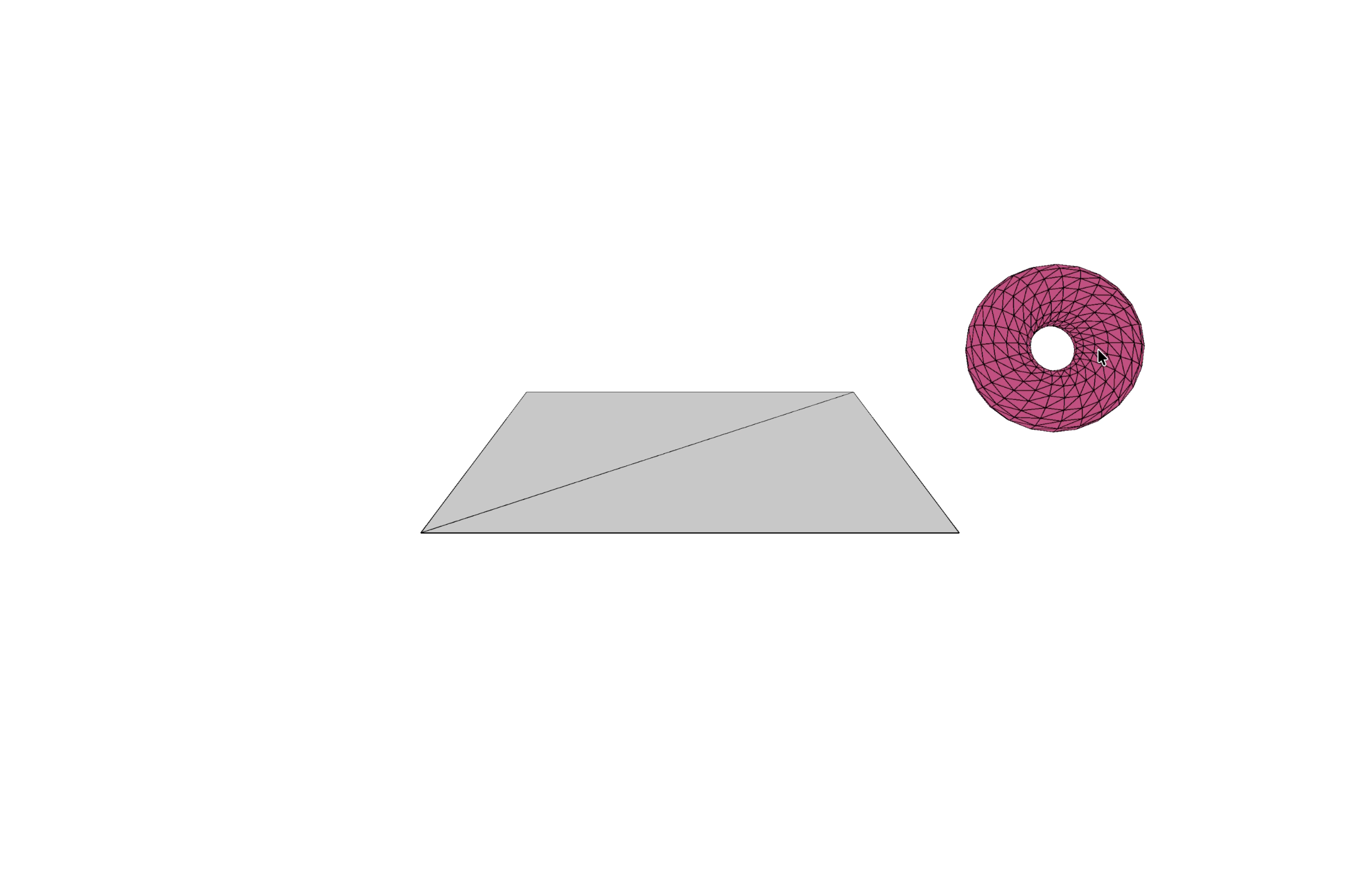
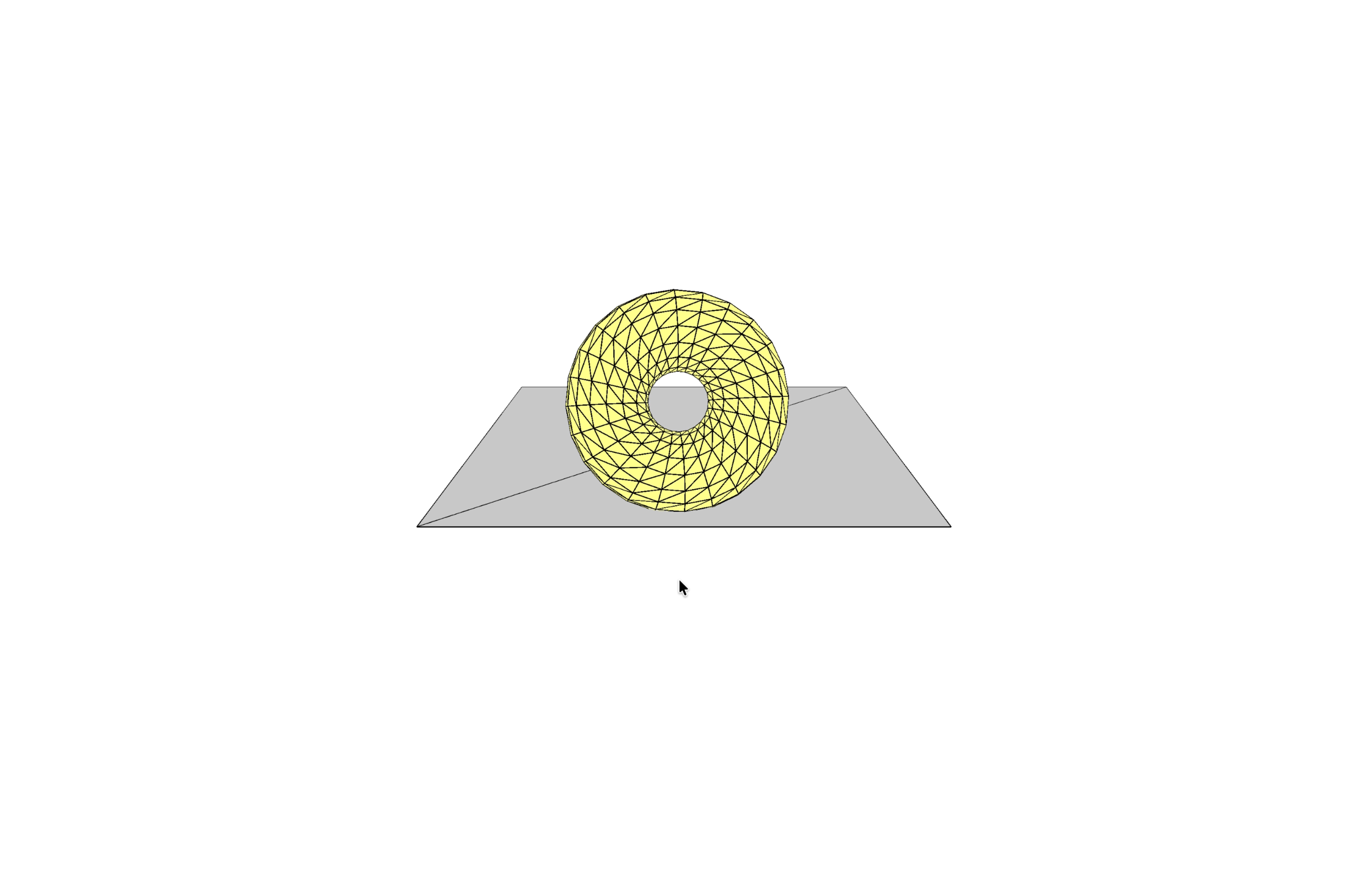
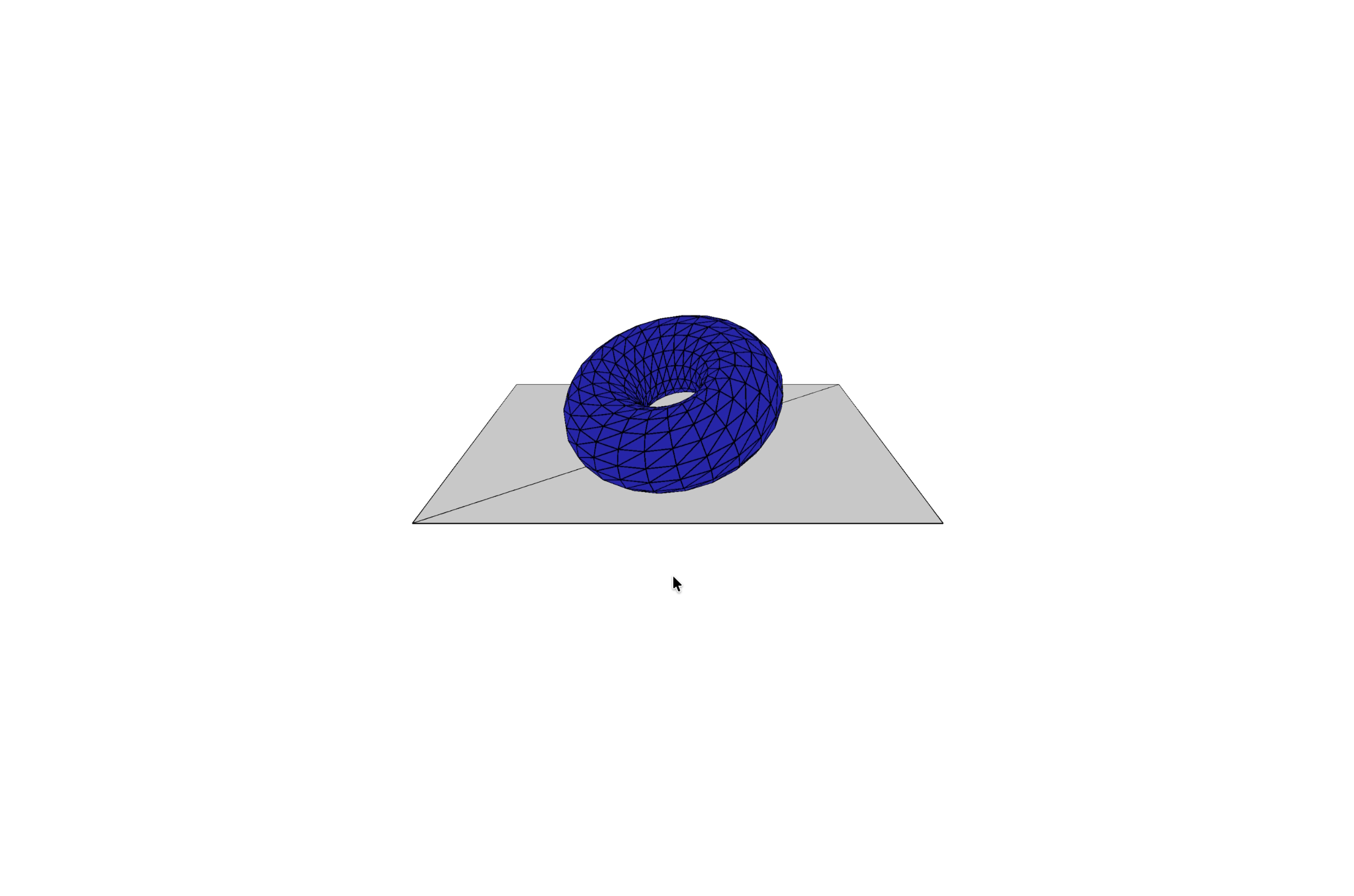
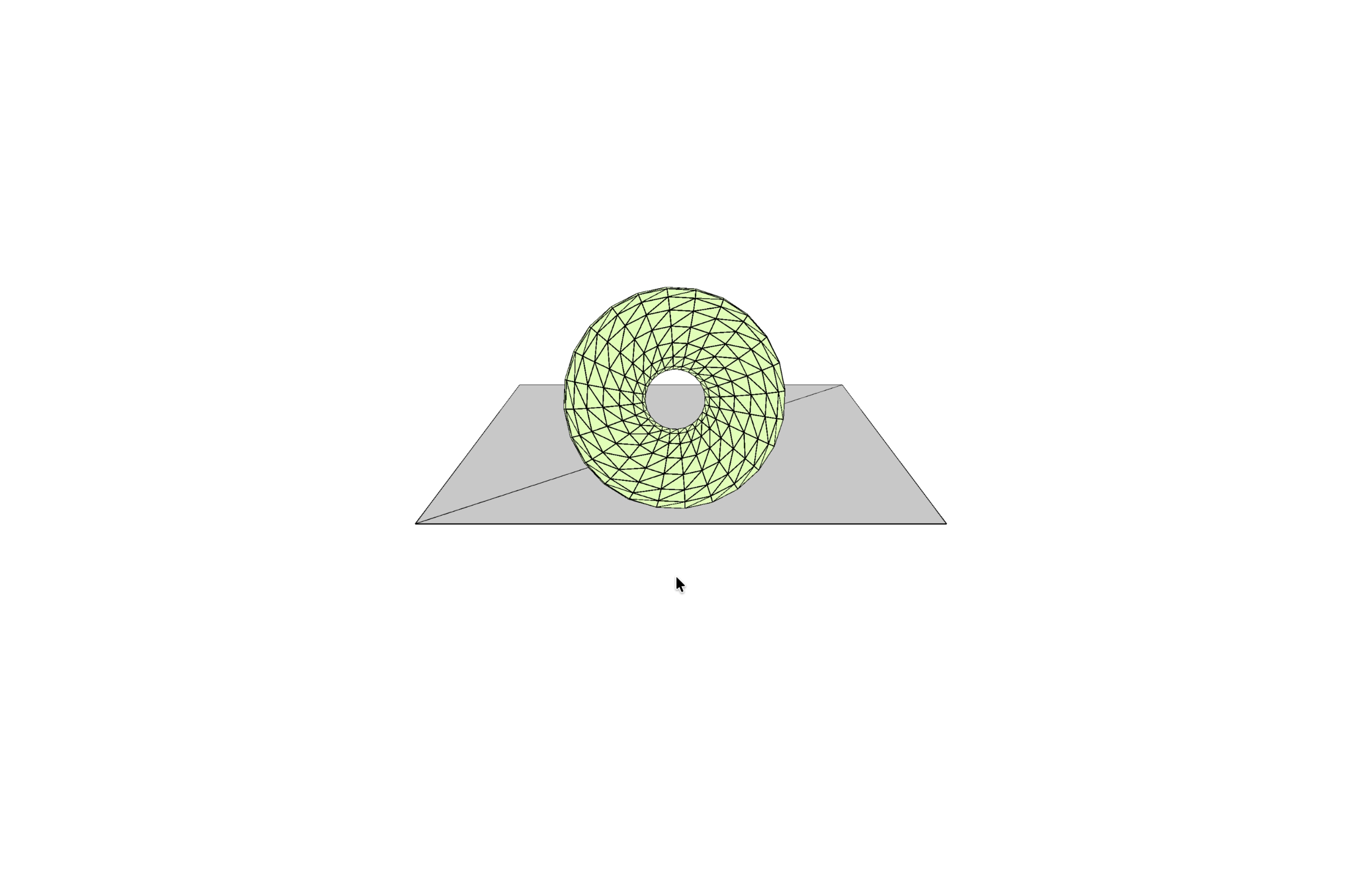
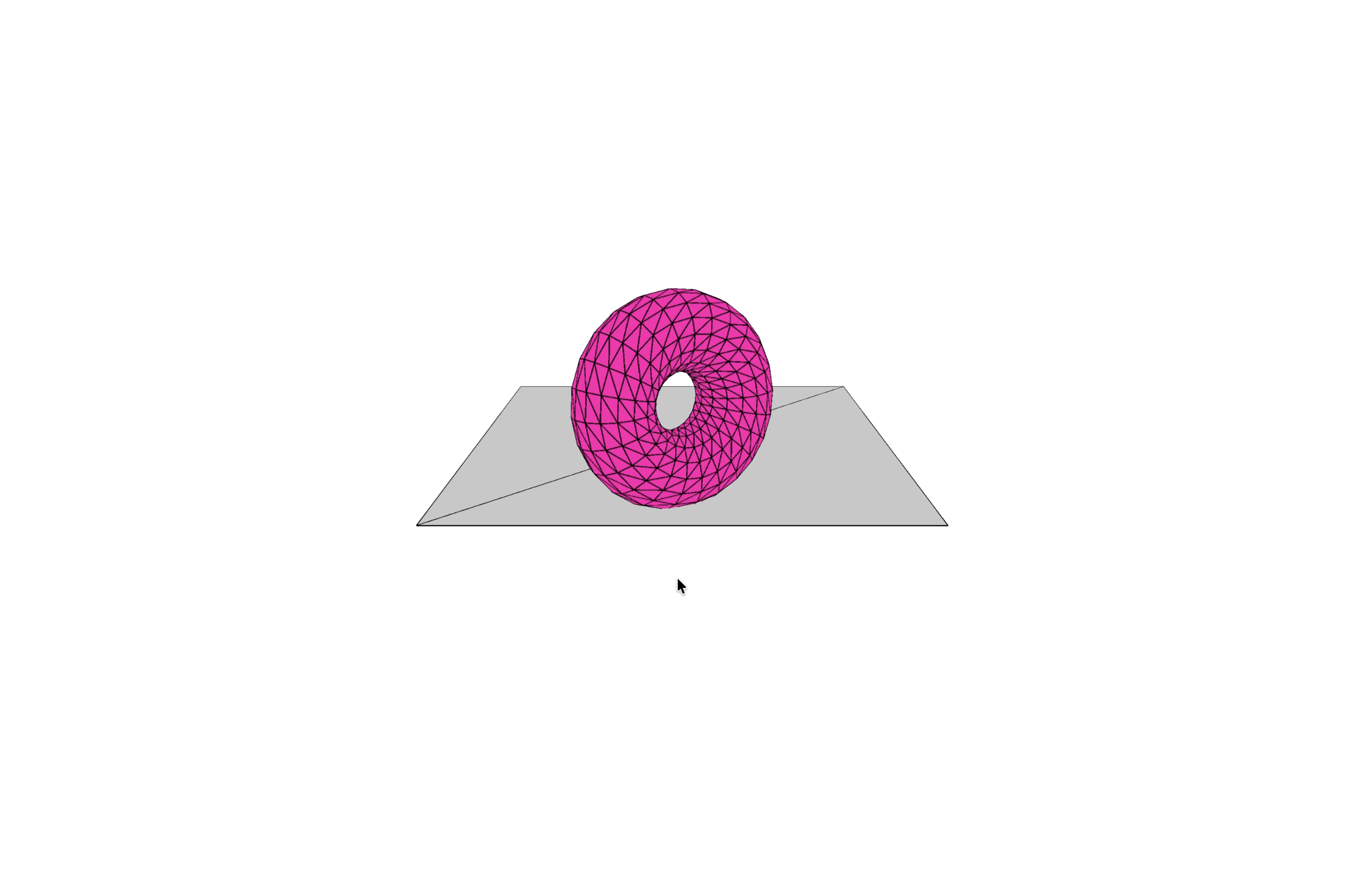
Using the colour and mouse tracking added to the sketch to further develop a basic circuit layout similar to Project 1. Continuing exploration of the same circuit. An up close of the circuit layout. Testing how aluminum moves across it as I brainstorm for the final design. Testing an older at home game controller with the basketball sketch. Testing the controller with the 'gameplay' aspect. Another closer shot at net testing the controller with the 'gameplay' aspect. Testing using singular aluminum foils that would later merge into the final design. Testing a mix of aluminum and copper tape, with the extreme minimalist layout of a hue/saturation and colour wheel for the rotating torus sketch. The start of the final project idea of an arcade controller/joystick. This being the joystick base. Birdseye view of the joystick base. Testing the arcade setup idea. Testing the differences and seeing the quick colour movement from the initial basic circuit. Further testing the differences and seeing the quick colour movement from the initial basic circuit with the torus. Testing the torus with the hue/saturation and colour wheel mock design. Further testing the torus with the hue/saturation and colour wheel mock design. Practicing shots with the retro controller. Practicing shots with the retro controller. Practicing shots with the arcade controller. Practicing shots with the arcade controller. The saturation and hue testing. The saturation and hue testing.

Project 3


Final Project 3 Design

The final design plays on 80s arcade nostalgia, as if the user was playing a video game through the p5 code. It utilizes the previous knowledge of circuitry that has been developed not only during this class, but over the course of the program, as well as developing p5 knowledge and explorationl. Layering simple images had a large effect on the design as a whole in the code, as it gave an incredible impression from first looks, already appearing at least somewhat professional. The controller uses clever manuevors to create a comparable gaming experience with an actual arcade controller.

The final circuit model in the shape of an arcade game controller.
×

Powered by w3.css